
Technical note
Reviewing public pages after updates
A deployment is not complete until the public page, assets, layout, and title have been checked.
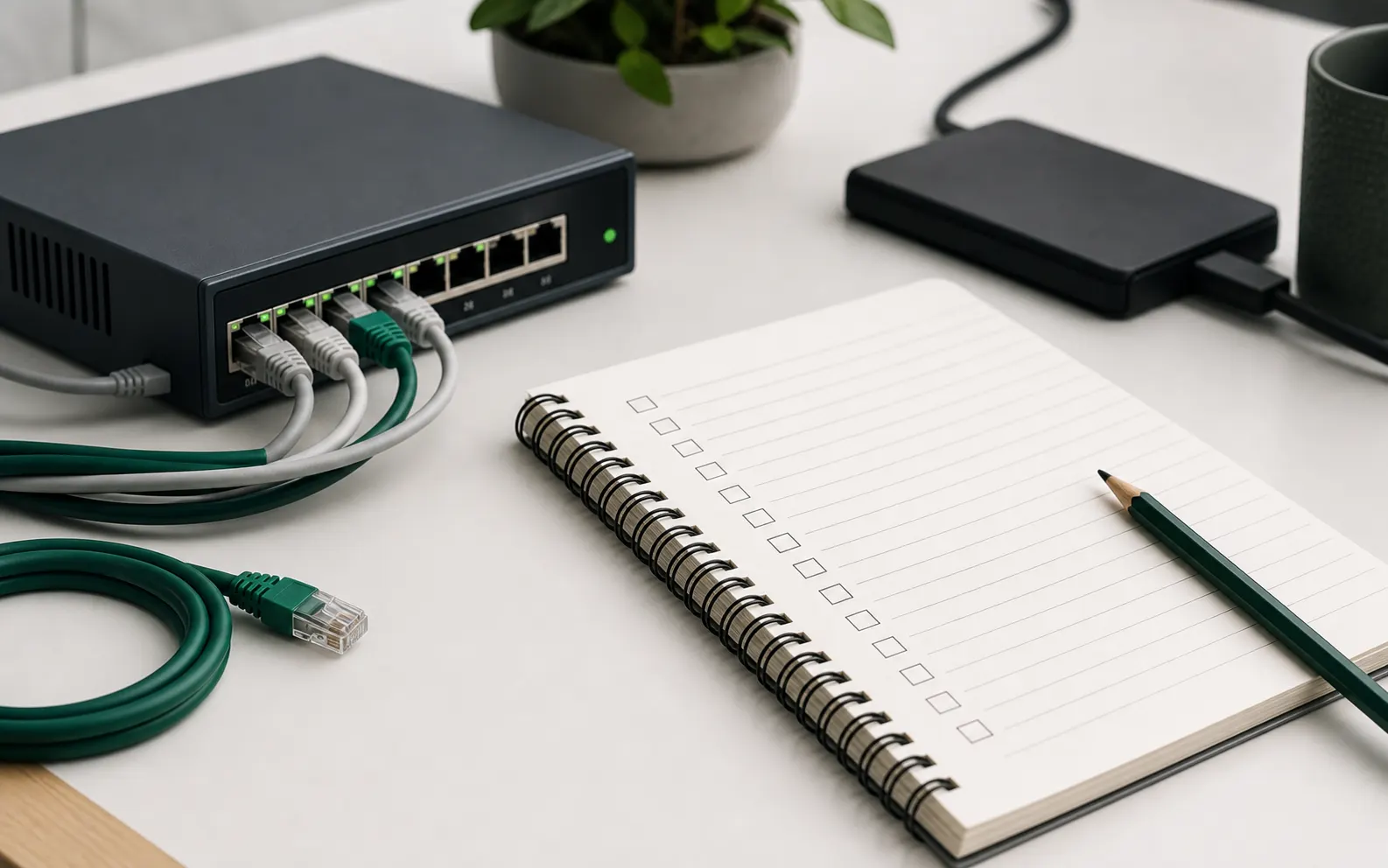
Post-update review
- Open the home page and one inner page.
- Confirm assets, headings, and page titles.
- Check mobile layout for obvious overflow.
Look at the public result
A deployment command can finish successfully while the public page still has a broken asset, wrong title, or layout issue. The review should look at the result, not only the deployment output.
For small sites, a two-page check often catches the most common mistakes.
Check the page in context
Open the page as a visitor would. Confirm that the heading matches the expected content, navigation works, images load, and the page title is correct.
If the page has a form, the review should at least confirm that the form is visible and labels are readable. Do not fake a submission result unless the form is built to handle it.
Write a short closeout
A one-paragraph closeout is enough for most updates. It should say what was checked and whether any follow-up remains.
This small record makes later changes easier because it gives the next person a known-good public state.
Public page checklist
- Open the home page and one important inner page.
- Confirm status, heading, and page title.
- Check images, stylesheet, favicon, and navigation.
- Review mobile layout for overflow or cramped controls.
- Record final state and follow-up, if any.